
01 · The agent contributes
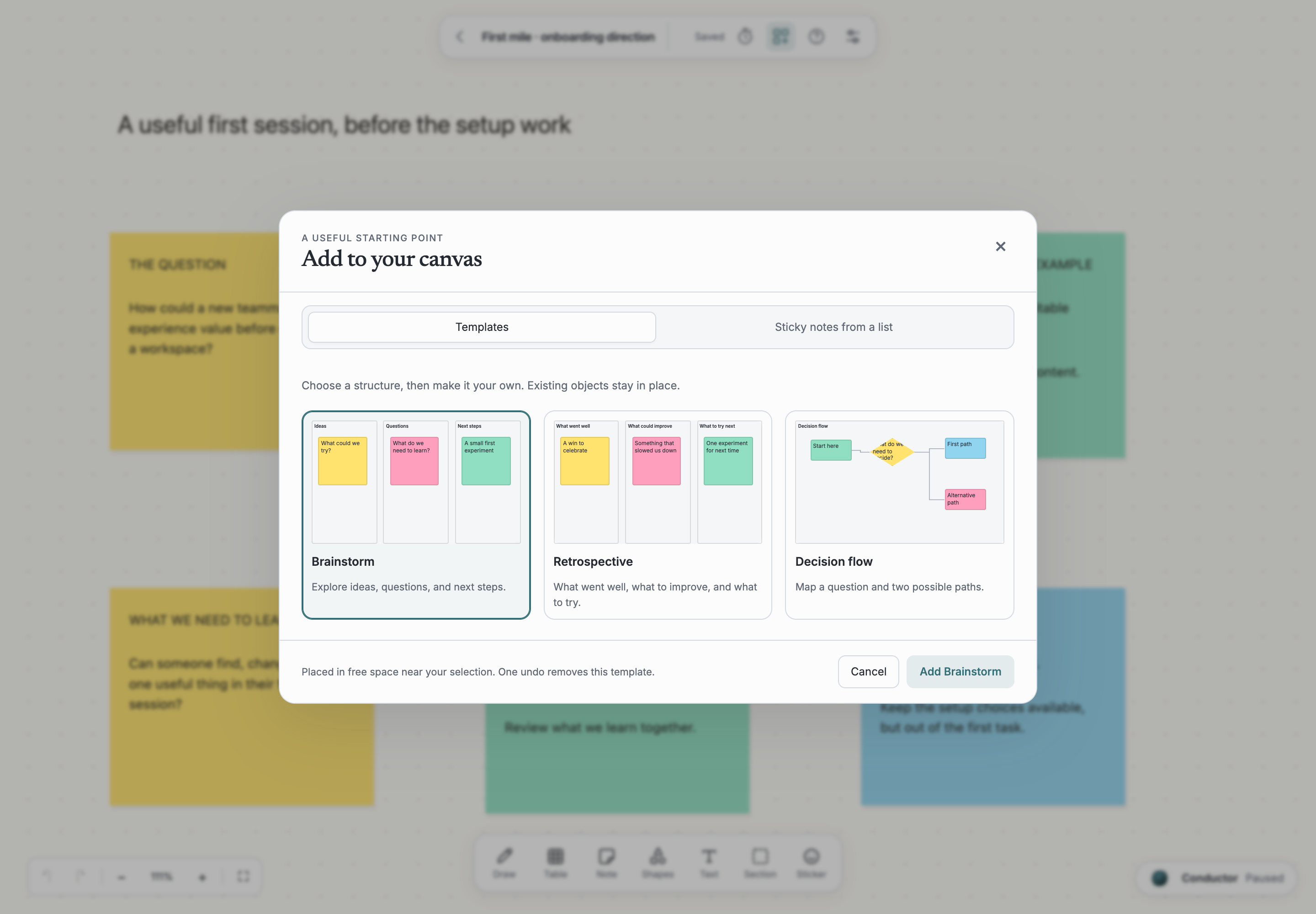
The conductor can read the selected notes, arrange the alternatives, add a decision flow and draft questions to test. The contribution stays on the canvas, where the people doing the work can see and edit it.
Think · Desktop preview
Think · A collaboration example
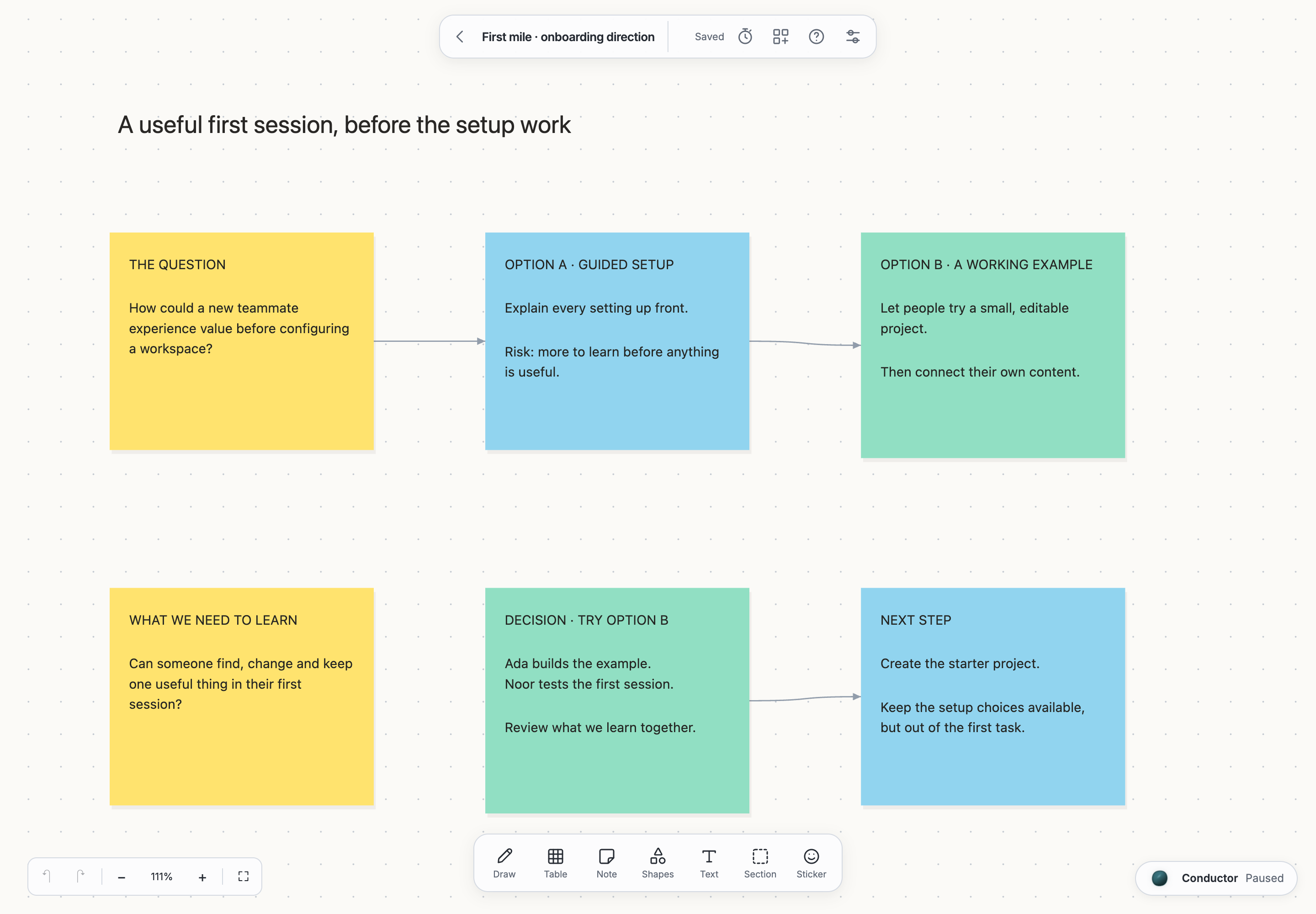
Ada and Noor are improving a first session. They start with a question on the canvas: should a new teammate configure the workspace first, or try an editable example?
Compare the two directions on this canvas. Organize the trade-offs and add what we still need to learn.
01 · The agent contributes
The conductor can read the selected notes, arrange the alternatives, add a decision flow and draft questions to test. The contribution stays on the canvas, where the people doing the work can see and edit it.
02 · You review and decide
Ada and Noor check the assumptions, change the wording and choose an editable example to test. They turn the next-step note into a Plan issue, with the reasoning still visible beside it.
The resultA canvas with the question, alternatives, a chosen direction and a next step.
Think
Visual templates, a shared timer and voting, with agent activity visible on the canvas.
See the context, understand what changes, and decide what happens next.
Ask about the page you are reading, the issue you are working on or the objects you selected. The conductor keeps a standing conversation across the workspace. Connect your own Claude or Codex setup when you need it.
Read the handbookHistory, authorship, comments and proposals help explain what changed and who contributed. The useful question is what you need to understand before deciding what to keep or change.
Read the handbookAn interface should help you question, review and direct an agent’s contribution. Scoped access, approval requests and supported Undo actions are part of that work; the guides explain their current boundaries.
Read the handbookRequest access
The Mac desktop preview is shared by invitation. Public binary downloads are not available yet. AI is optional; your provider account is managed separately.
Opens our contact form on FormSubmit.
We’ll use your details to reply to this request. Submissions are processed by FormSubmit.
An existing checkout containing Plan, recent Node.js, pnpm 9.15, Git, and a C build toolchain for SQLite. You can create and browse tasks without a model account.
From the checkout, create a fresh workspace, then a project and its first task. Keep this terminal’s workspace variable when starting the web app.
node scripts/whiteboard-build.mjs
node --import tsx packages/whiteboard/src/main.ts --port 4104Open localhost:4102. Find Fieldnotes and its invitation task in the list or canvas. The project and task are Markdown files in your workspace repository.
Configure an installed Claude or Codex agent in Setup, authenticate it separately, and start pnpm tracker-host with the same TRACKER_WORKSPACE. Agent sessions remain experimental and are still being validated with live providers.